Subsequent Login
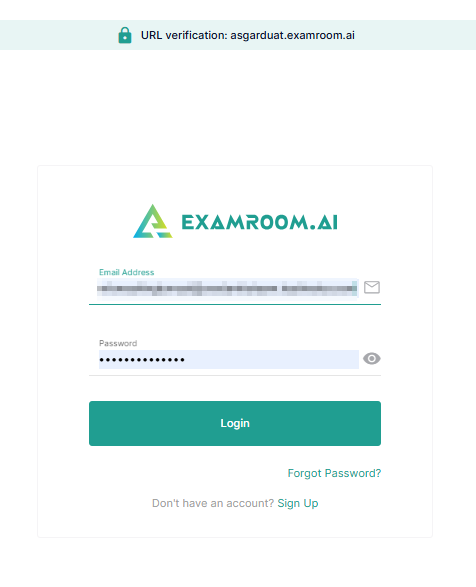
To log in to the RB console, go to the RB login page and use your registered login credentials.
Follow the steps to log into the RB platform:
- Go to the RB platform welcome page https://app.examroom.ai/
- Enter your registered email address in the Email field.
- Enter your password in the Password field.
- Click the Login button to log in to your account.
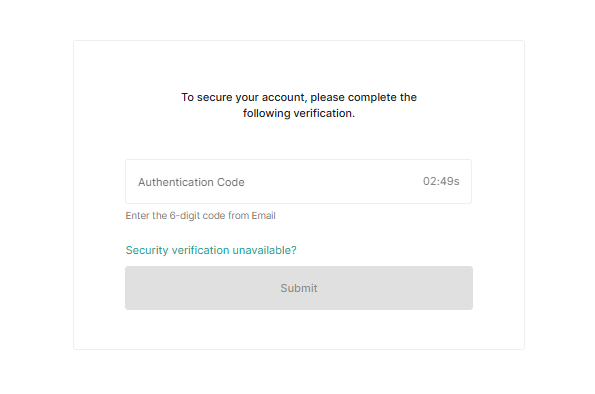
- To enhance account security, please complete the verification process:
- Enter the MFA (Multi-Factor Authentication) code sent to your registered email ID.
- Click Submit to log in to the console.
Note: The MFA code will be sent to your registered email ID.