License
The License module enables you to create and manage licenses associated with programs. These licenses can subsequently be utilized in application configurations and certificate generation processes.
View and Manage License
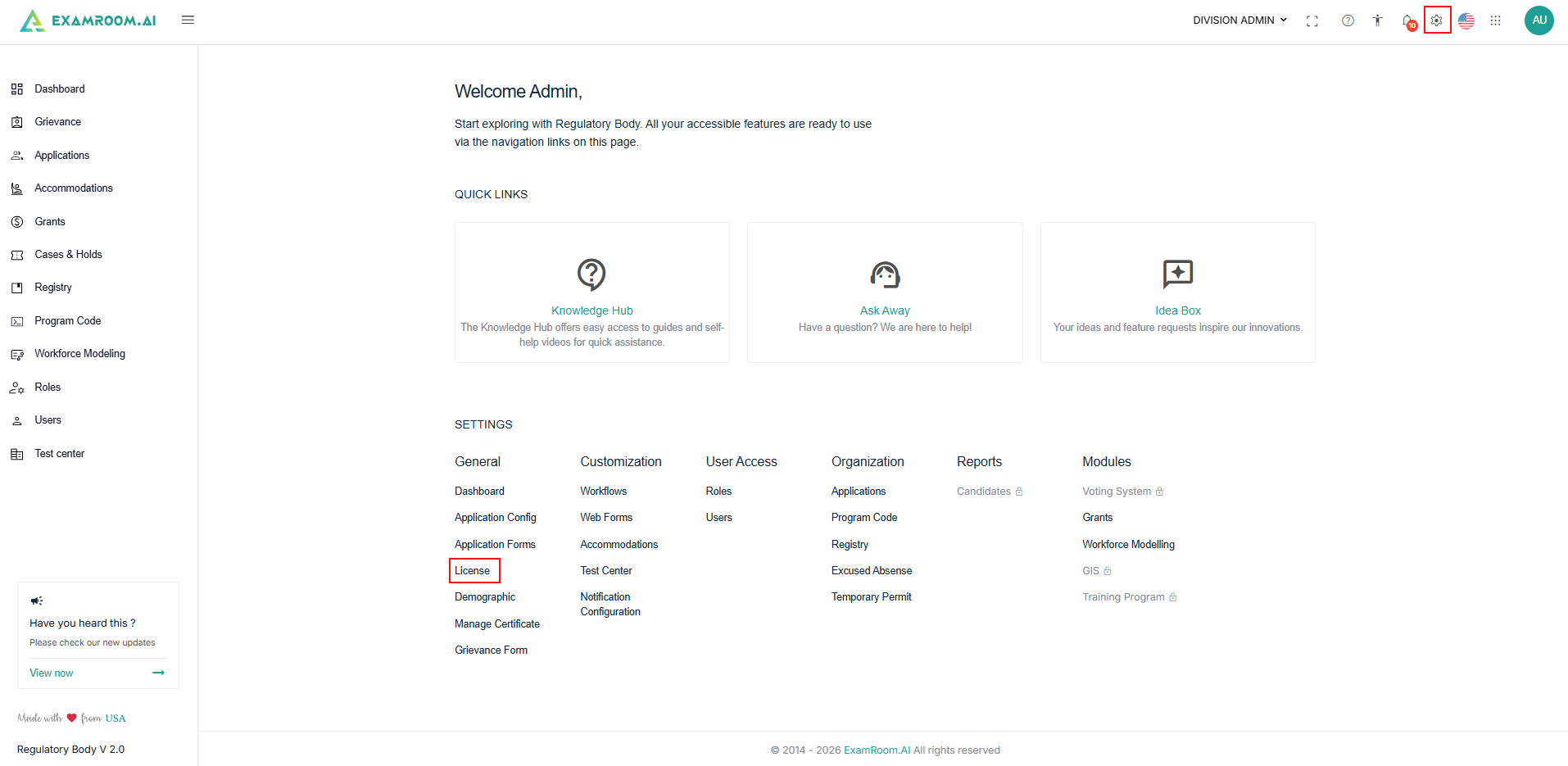
- Navigate to Settings, under General, select License.
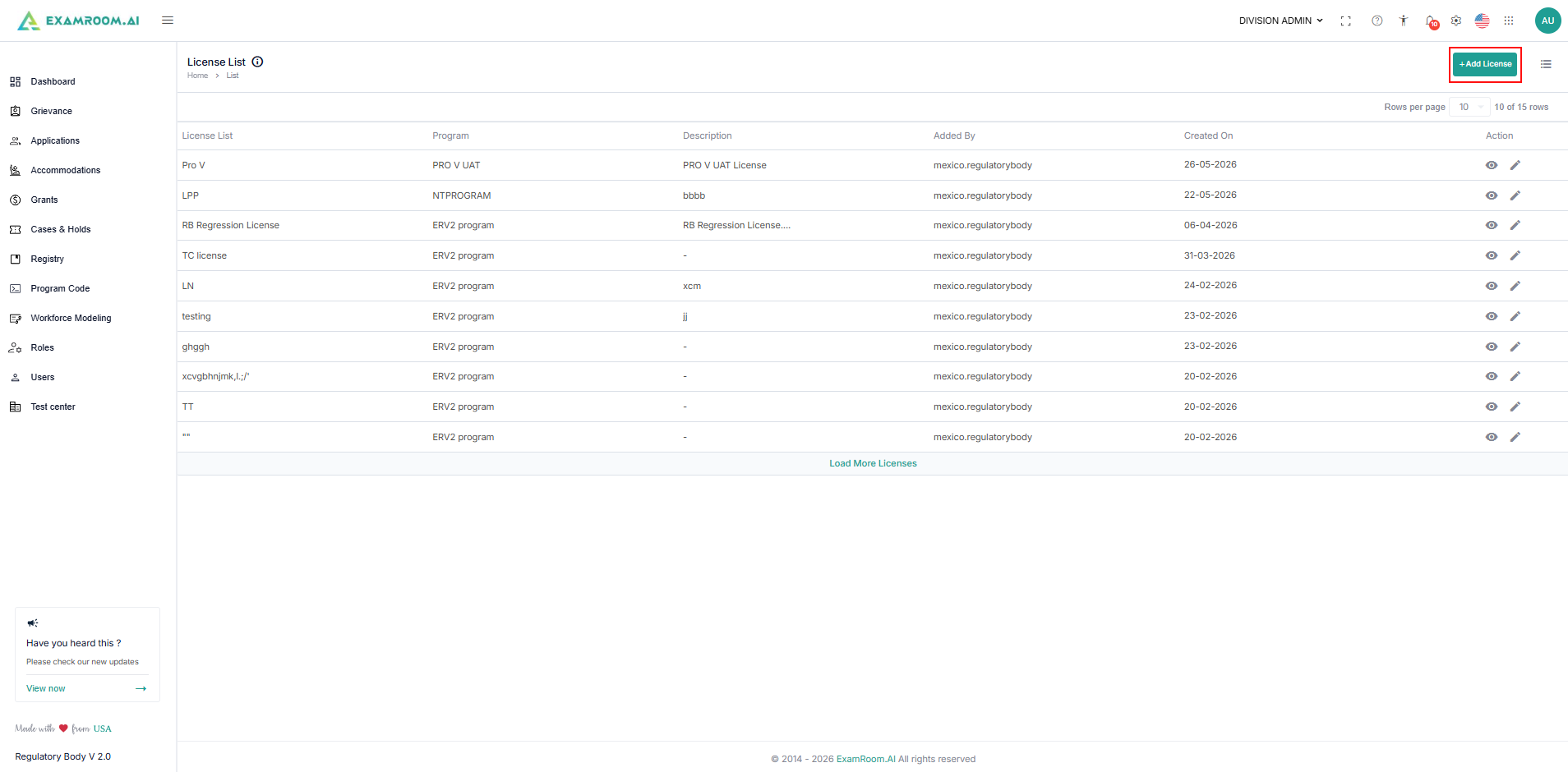
- The License List page appears with all configured license details.
- The licenses are listed in the table format with license details that include:
- License Name: Name for the license.
- Program: Name of the program associated with the license.
- Description: Descriptions of the license.
- Added By: Name of the user who created the license.
- Created On: The license creation date is displayed.
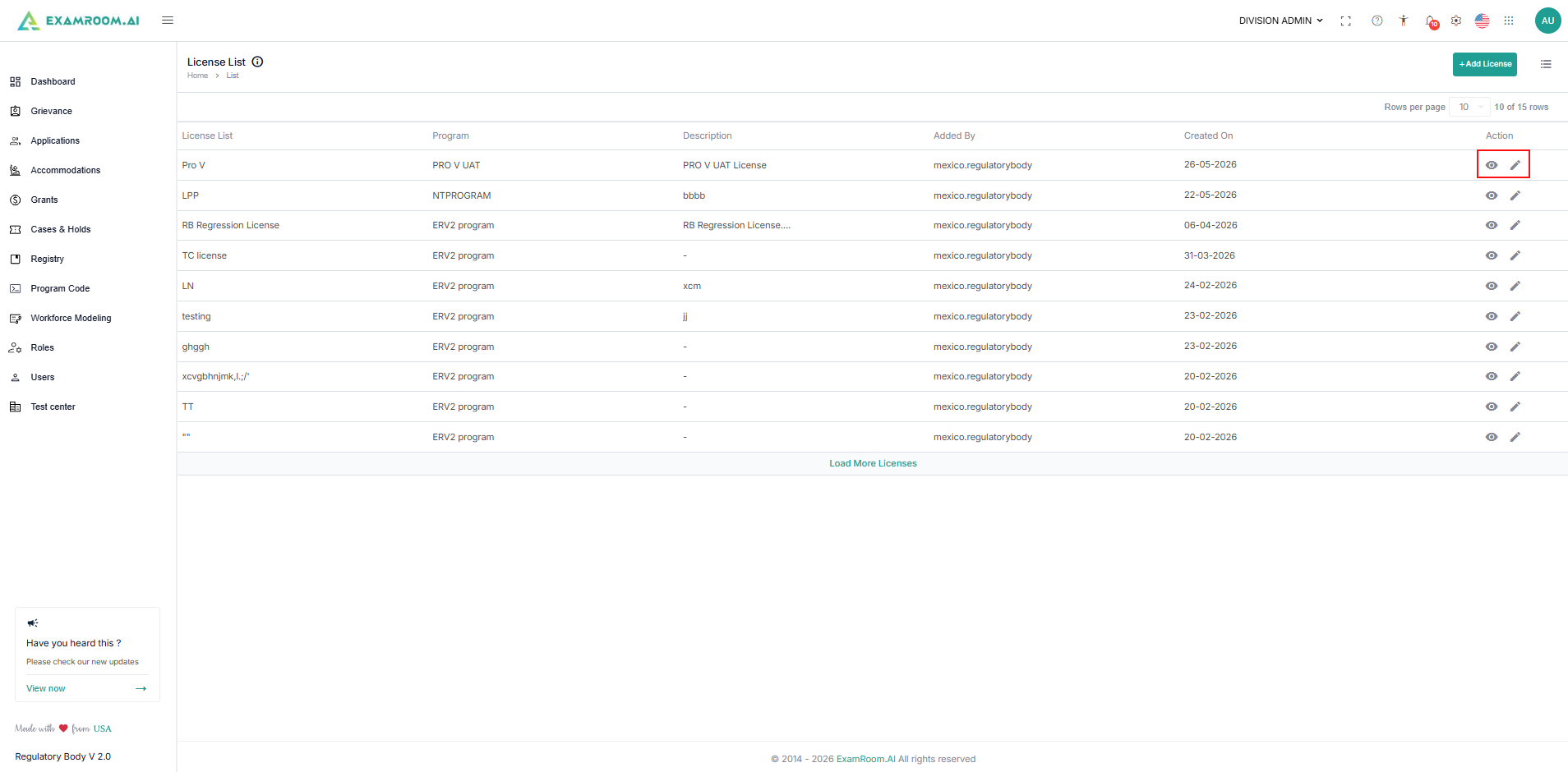
- Available Actions: The view and Edit icon provided for you to view and modify the existing license.
Add License
Create a new license to associate with a program and make it available for application and renewal workflows.
- Navigate to Settings and select License under General.
- On the License list section, click the + Add License button at the top right side of the page.
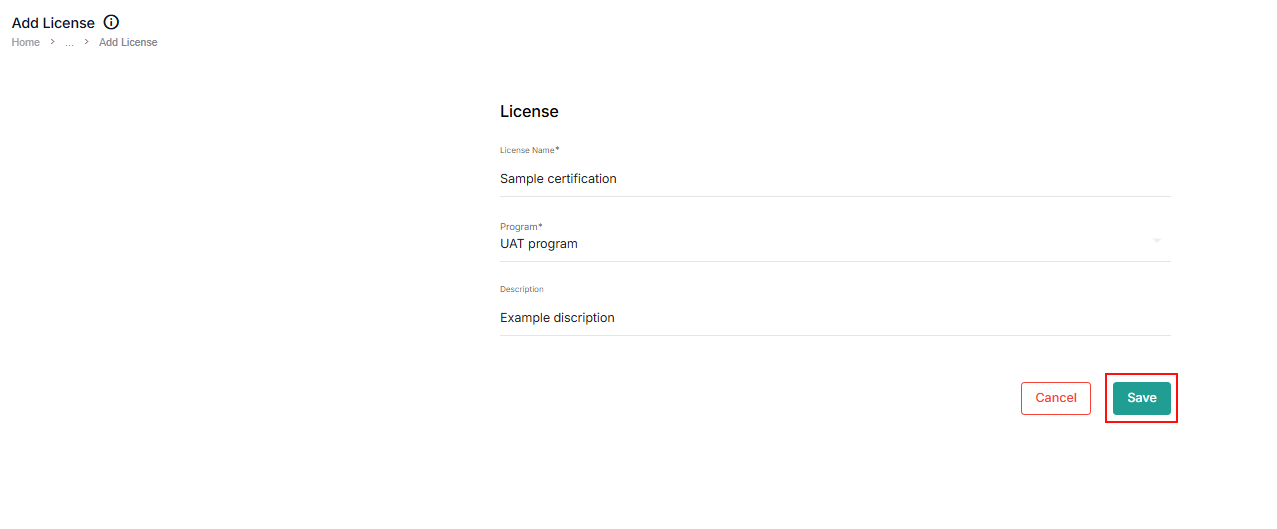
- In the License Name field, enter the name of the license you want to create.
- Select a program from the dropdown to associate with the license.
- Enter the brief descriptions of the license. Click Save to save the license.
- Click Cancel to discard creating a new license.
- The newly created license name will appear in the respective fields for use in application configurations and the certificate generation process.