Reset Password/Forgot Password
If you have forgotten your password, you can reset it on the login page by following the steps below:
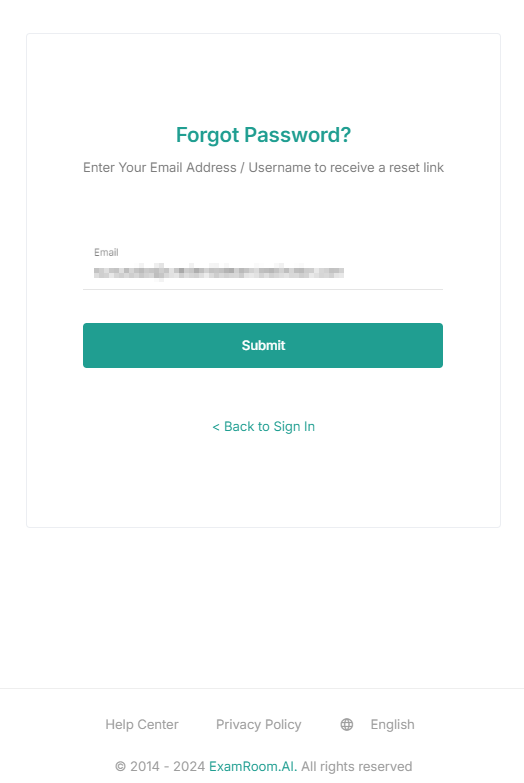
- Click Forgot Password on the login page.
- In the Email field, enter your registered email address.
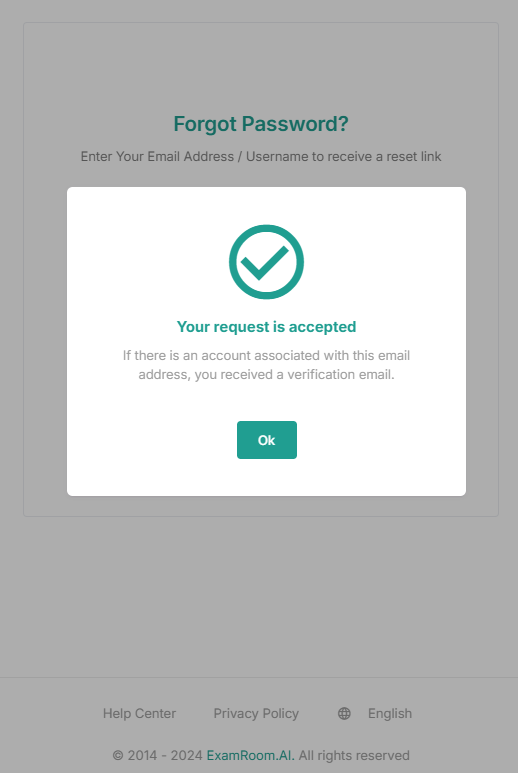
- Click Submit to send the password reset link to your registered email address.
OR
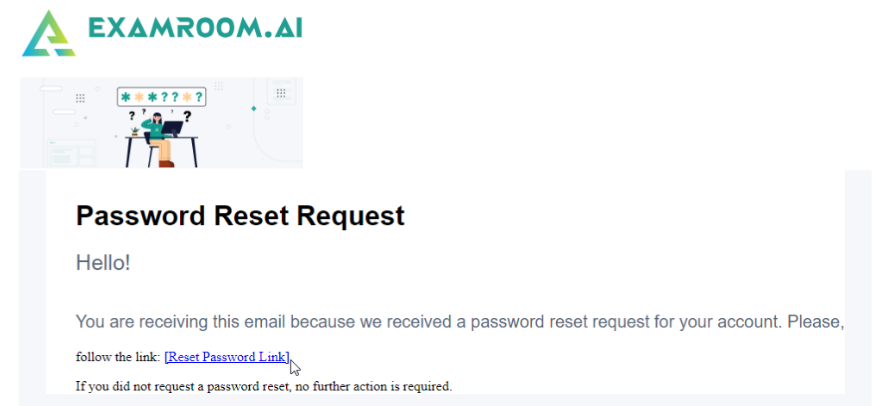
Click Back to Sign In to return to the login page without changing the password. - After submitting, go to your registered email inbox to find the verification email.
- Click the RB platform login link provided in the email, and a new login window will open.
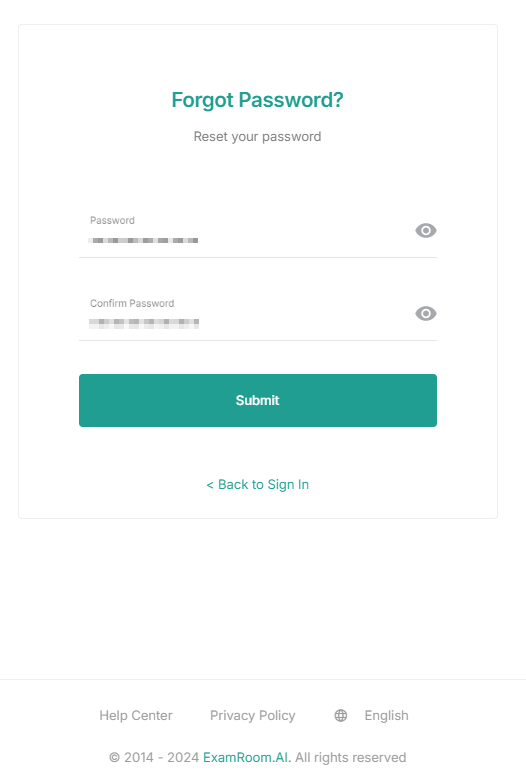
- Enter your new password in the Password field and re-enter it in the Confirm Password field. Then, click Submit to save and complete the password reset.
- Note: Your password must be at least fourteen characters long and should include at least one uppercase letter, one lowercase letter, one digit, and one special character.
- Note: Your password must be at least fourteen characters long and should include at least one uppercase letter, one lowercase letter, one digit, and one special character.
- Click the View icon to view your new password or Click Back to Sign In to return to the page.